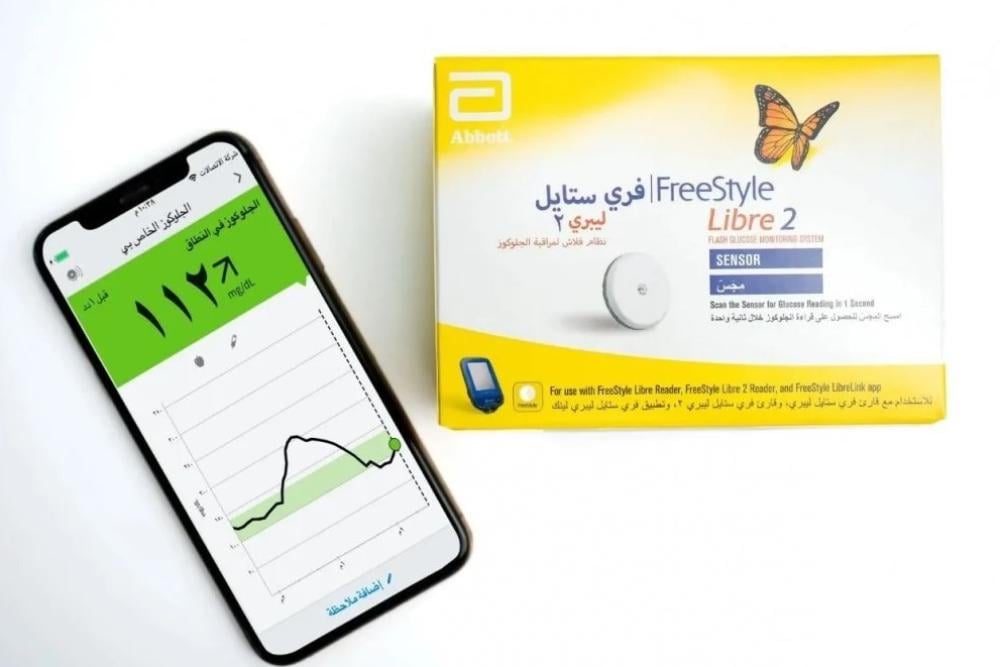
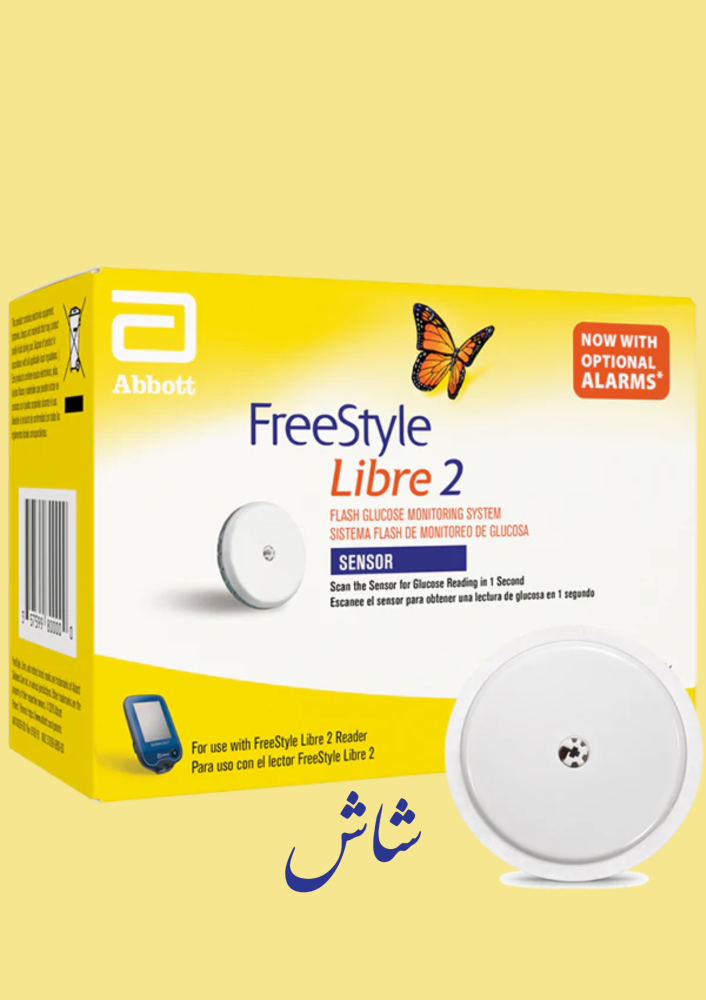
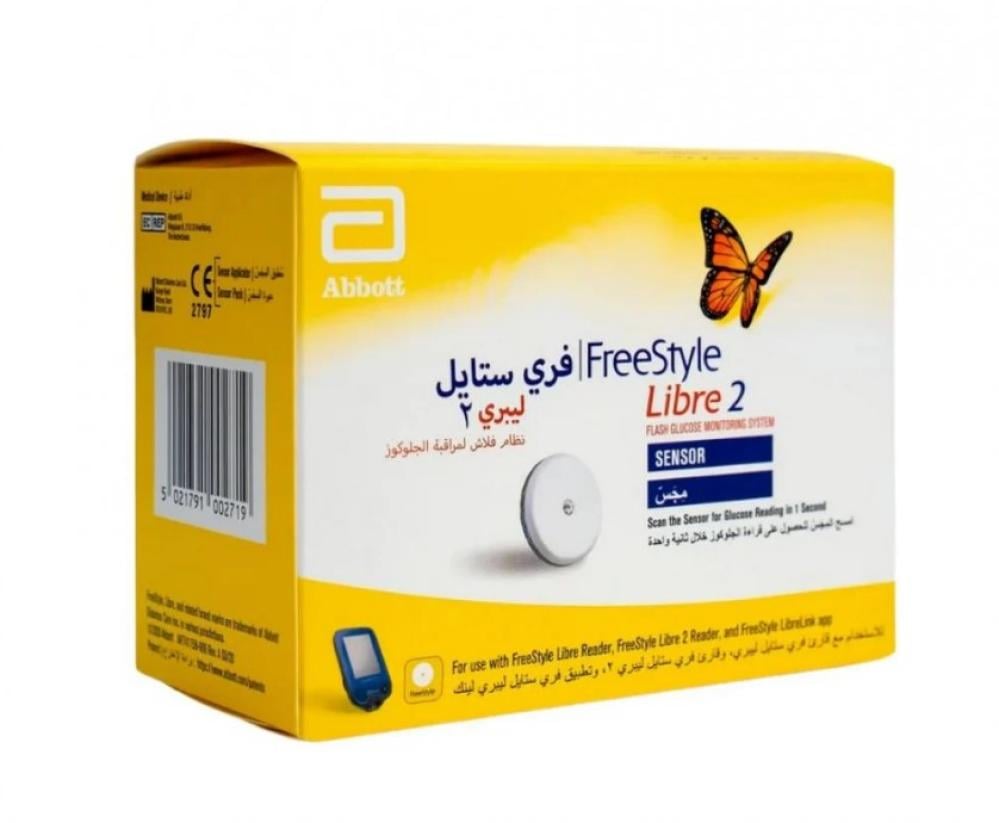
Product description: The purpose of using a flash system glucose monitor reader (referred to as "the reader") with the FreeStyle Libre 2 device, or a flash system glucose monitor with FreeStyle Libre 2, is to measure glucose levels in the interstitial fluid for people (aged 4 years and older) with diabetes, including pregnant women. The reader and sensor are designed to replace blood glucose testing in self-management of diabetes, including insulin doses. Use in children (aged 4 to 12 years) is limited to those supervised by a caregiver aged at least 18 years. The caregiver is responsible for supervising or assisting the child in using the reader and sensor, as well as interpreting the glucose readings displayed by the sensor for the child or helping interpret them. The flash system for glucose monitoring consists of the FreeStyle Libre 2 (referred to as "the system") of two parts: the handheld reader and the single-use sensor worn on your body. You use the reader to wirelessly scan the sensor and display your glucose readings. The reader works only with FreeStyle Libre 2 sensors and cannot be used with other sensors. The FreeStyle Libre 2 sensor automatically communicates with the reader and can provide alerts about glucose levels if you choose to activate them. The reader also includes an internal blood glucose and ketone test meter. Important: Safety information for the system is in this user manual. Read all information in the user manual and instructions for use of blood glucose test strips and ketone test before using the system. The system comes with a package containing the reader and the sensor container. When opening the packages, ensure the contents are undamaged and all listed parts are present. If any parts are missing or damaged, contact customer service. Usage instructions: You can use the FreeStyle Libre Link app to: * View your current glucose reading, glucose trend arrow, and previous glucose readings data * Receive high or low glucose alerts using FreeStyle Libre sensors * View reports such as target time and daily patterns * Share your data with your doctor and family with your permission Compatibility with smartphones: Compatibility may vary between phones and operating systems. The FreeStyle Libre Link app is approved for use with FreeStyle Libre and FreeStyle Libre 2 sensors. You can now check glucose levels by scanning the sensor with your phone, or use FreeStyle Libre 2 sensors to receive alerts for high or low glucose levels. Using your app and the same sensor: Alerts can only be triggered on your FreeStyle Libre 2 reader or your phone (not both). To receive alerts on your phone, you must start the sensor using the app. To receive alerts on your FreeStyle Libre 2 reader, you must start the sensor using your reader. Once the sensor is started with the reader, you can also scan the sensor with your phone. 1. Do not place sensors only on the back of your upper arm. Avoid areas with scars, moles, stretch marks, or lumps. Choose an area of skin that remains generally flat during daily activities (do not bend or fold). Choose a location at least 2.5 cm away from insulin injection sites. To prevent discomfort or skin irritation, select a different site from the last one used. 2. Wash the selected site with regular soap, dry it, then clean with an alcohol wipe, which helps remove any oily residues that could prevent the sensor from adhering properly. Let the site air dry before proceeding. Note: The area must be clean and dry; otherwise, the sensor may not stick properly. 3. Open the sensor package by removing the entire cover. Remove the cover from the sensor applicator and set the cover aside. Warning: Do not use the sensor package or applicator if they appear damaged or previously opened. Do not use after the expiration date. 4. Align the dark mark on the sensor applicator with the dark mark on the sensor package. Firmly press down on the applicator against a hard surface until it stops. 5. Remove the sensor applicator from the sensor package. 6. The sensor applicator is now prepared and ready to place the sensor. Warning: The sensor applicator now contains a needle. Do not touch the inside of the applicator or reinsert it into the sensor package. 7. Place the applicator on the prepared site and press firmly downward to insert the sensor into your body. Warning: Do not press down on the applicator until it is placed on the prepared site to prevent unintended results or injury. 8. Gently pull the applicator away from your body. The sensor should now be attached to your skin. Note: Placing the sensor may cause a bruise or bleeding. If bleeding persists and does not stop, remove the sensor and place a new one at a different site. 9. Ensure the sensor is securely in place. Replace the cover on the sensor applicator. Dispose of the used sensor and applicator packaging. Refer to the waste disposal section. Warnings and precautions: Contraindications: The sensor must be removed before MRI scans. Warning: Do not ignore symptoms that may be due to low or high blood glucose. If you experience symptoms inconsistent with sensor readings, or suspect the reading may be inaccurate, check blood glucose with a finger prick blood glucose meter. If symptoms do not match the readings, consult your healthcare professional. The FreeStyle Libre 2 system contains small parts that may pose a choking hazard if swallowed. Important alerts and system information: Unless evaluated for use with the system: The system has not been evaluated with other implanted medical devices, such as pacemakers. The system has not been evaluated for use by people undergoing dialysis or children under 4 years old. Storage of the sensor: Store the sensor in temperatures from 4°C to 25°C. While you do not need to keep the sensor in the refrigerator, you may store it there as long as the temperature remains between 4°C and 25°C. When the sensor glucose level differs from blood glucose level: Glucose levels in the interstitial fluid may differ from blood glucose levels, which could mean sensor readings differ from blood glucose. You may notice this difference during rapid changes in blood glucose, such as after eating, insulin doses, or exercise. When removing the sensor: Rarely, you may get inaccurate glucose readings from the sensor. If you believe the readings are incorrect or inconsistent with how you feel, check blood glucose with a finger prick to confirm. If the problem persists, remove the sensor and insert a new one. Some individuals may have a sensitivity to the adhesive used to keep the sensor attached to the skin. If you notice significant skin irritation around or under the sensor, remove it and stop using the system. Consult your healthcare professional before continuing use. If you have a medical appointment involving exposure to a strong magnetic field or electromagnetic radiation, or imaging (such as X-ray or MRI), remove the sensor and insert a new one after the appointment (CT scan). The effects of these procedures on system performance have not been evaluated. What you need to know about wearing the sensor: Do not reuse sensors. The sensor and sensor applicator are designed for single use only. Reuse may lead to inaccurate readings and infection. They are not suitable for re-sterilization. Excessive exposure to radiation may also result in inaccurate results. What you need to know about glucose alerts: To receive alerts, you must enable alerts and ensure the reader is within 6 meters of you at all times. The transmission range is 6 meters without obstacles. If you are outside this range, you may not receive glucose alerts. To avoid missing alerts, ensure the reader is sufficiently charged and that sound and/or vibration are enabled. What you need to know about the reader’s internal meter: The reader is designed for use with FreeStyle Optium blood glucose and ketone test strips and control solution from MediSense. The reader is intended for use by one person only. It should not be used by more than one person, including other family members, due to the risk of transmitting infections. All parts of the reader are biologically hazardous and can transmit infectious diseases even after cleaning. Avoid exposure to dust, dirt, blood, water, control solution, or any other substances on the test strip. USB ports. Interfering substances: You can take standard doses of ascorbic acid (vitamin C) and continue making treatment decisions based on sensor readings. Consuming more than the recommended daily allowance (RDA) of vitamin C may affect the sensor readings, making them appear higher than they actually are.






Ahmed Abuzeid
FaHaD AL Motairi
تاريخ جديد وحالة التغليف ممتازة جداً